

CamHubs
Turn a spare iPhone, iPad or Mac into a live home security camera.
- Your spare device is the camera. No extra hardware to buy.
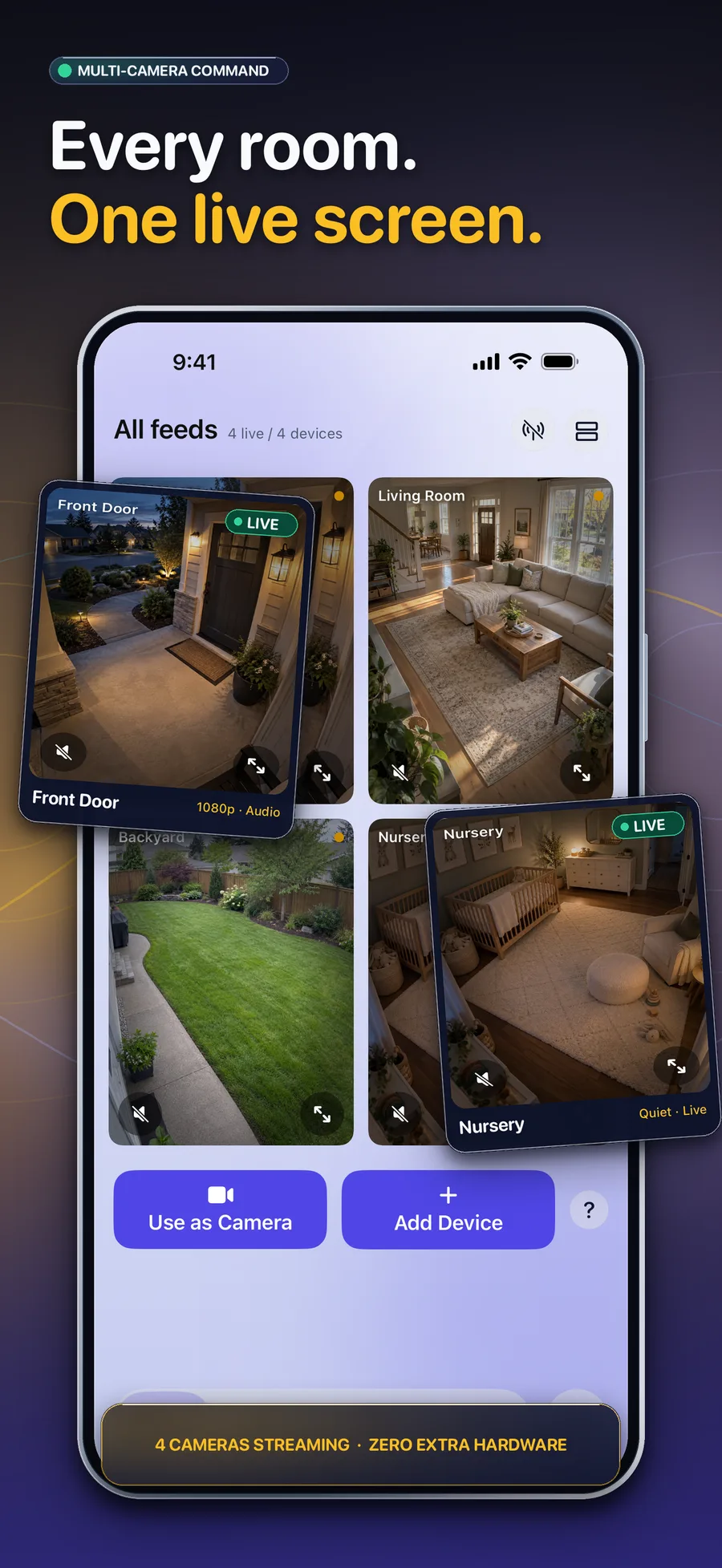
- Watch every room from one screen on iPhone, iPad or Mac.
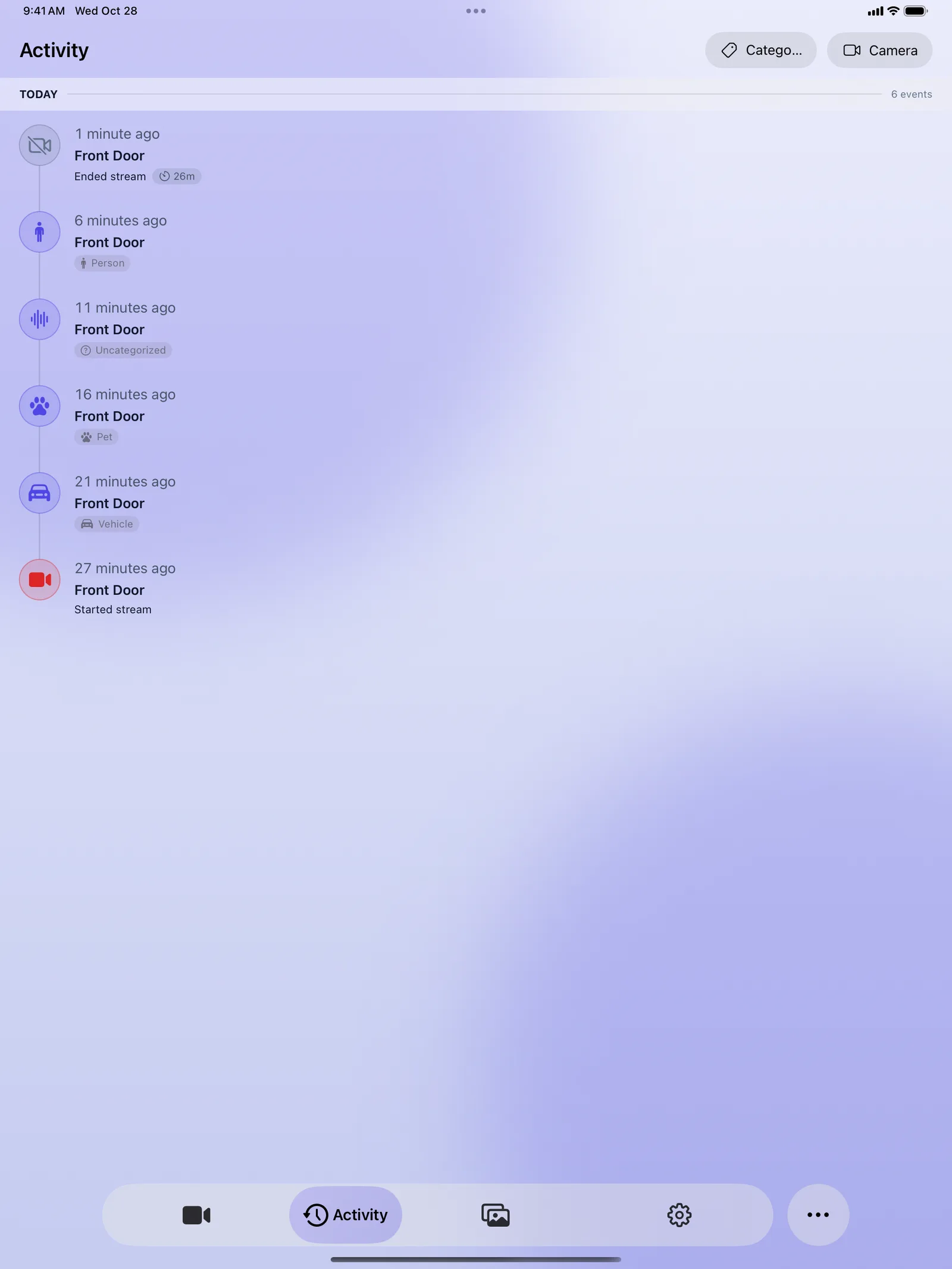
- Know what set it off, with Premium AI alerts for people, pets and vehicles.
- iPhone
- iPad
- Mac
Features
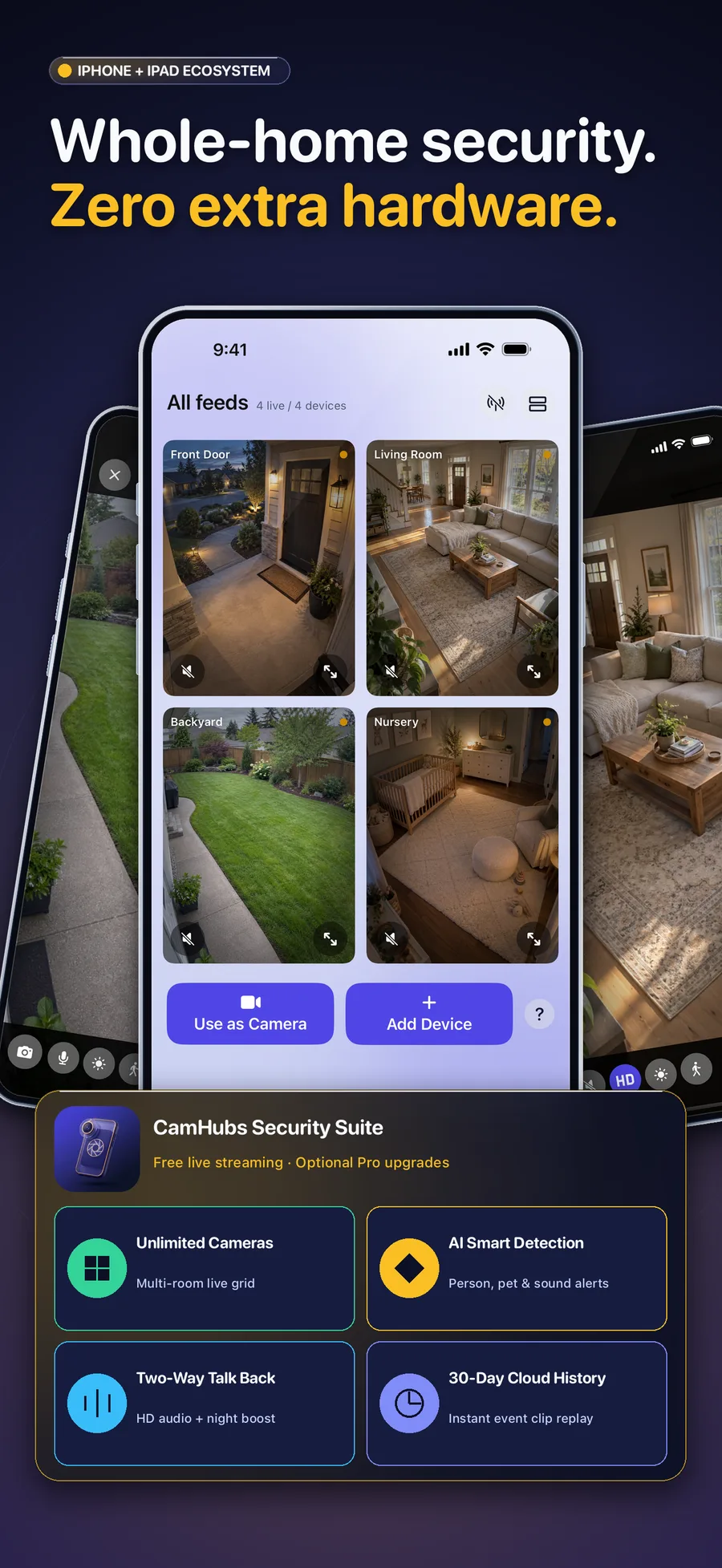
CamHubs turns the Apple devices you already own into a security camera system. One device streams, another watches. Pair them by scanning a QR code, with no account and no sign-in. Watch every room from one screen, and with Premium get AI alerts for people, pets, vehicles and sound, then talk back through the camera. No extra hardware.
Spare device as a camera
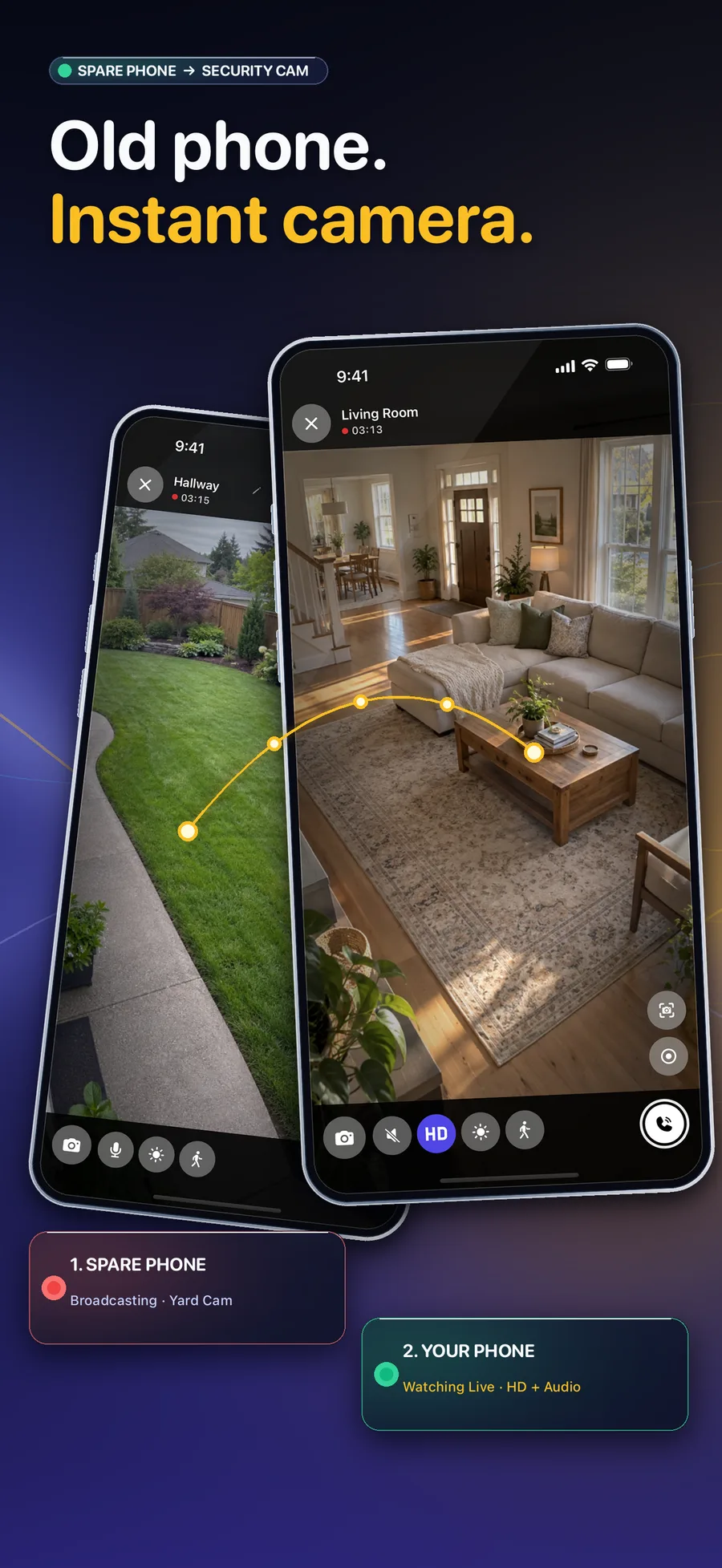
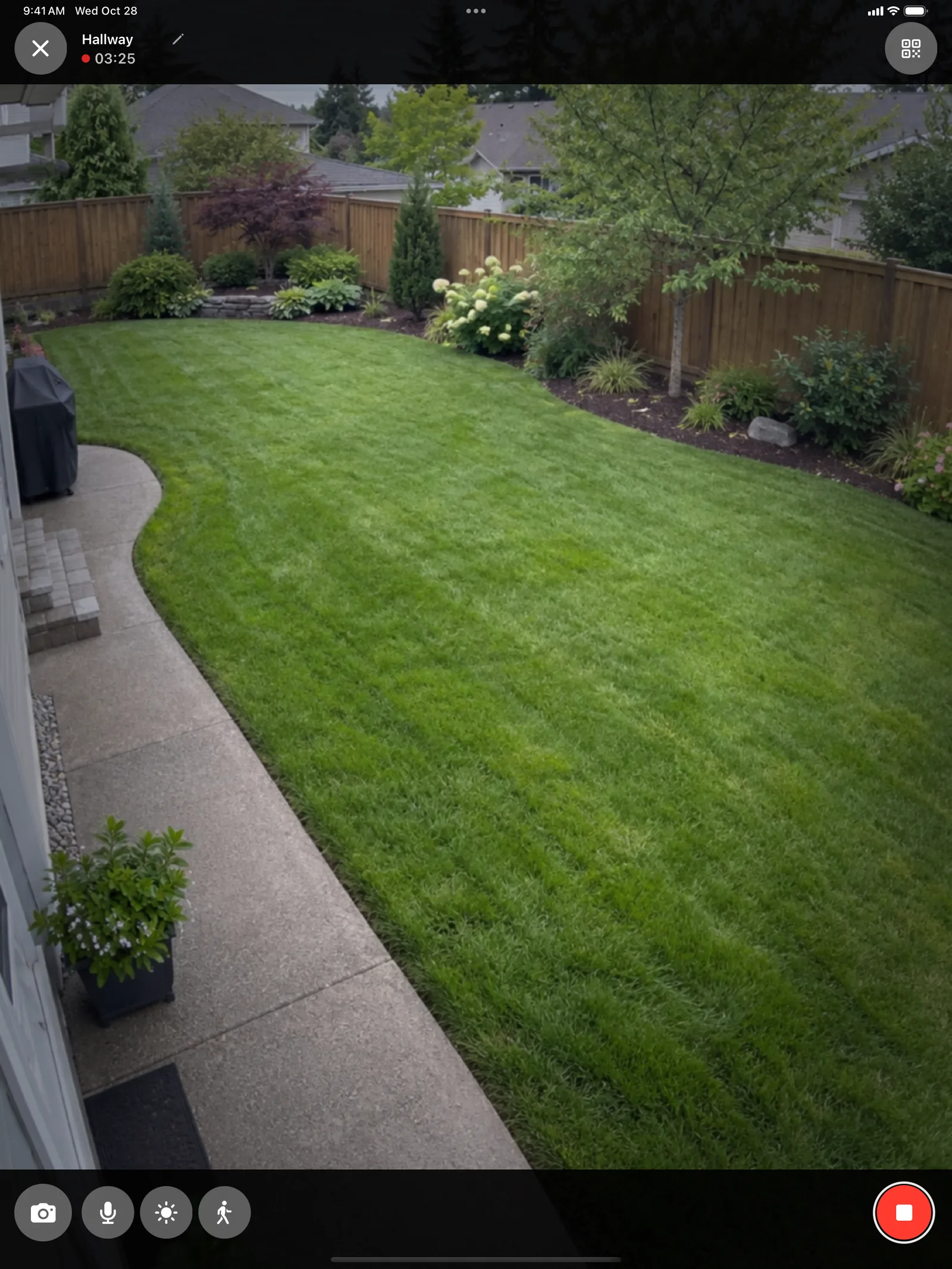
Prop up an old iPhone, iPad or Mac, tap Go Live, and it streams live video and sound.
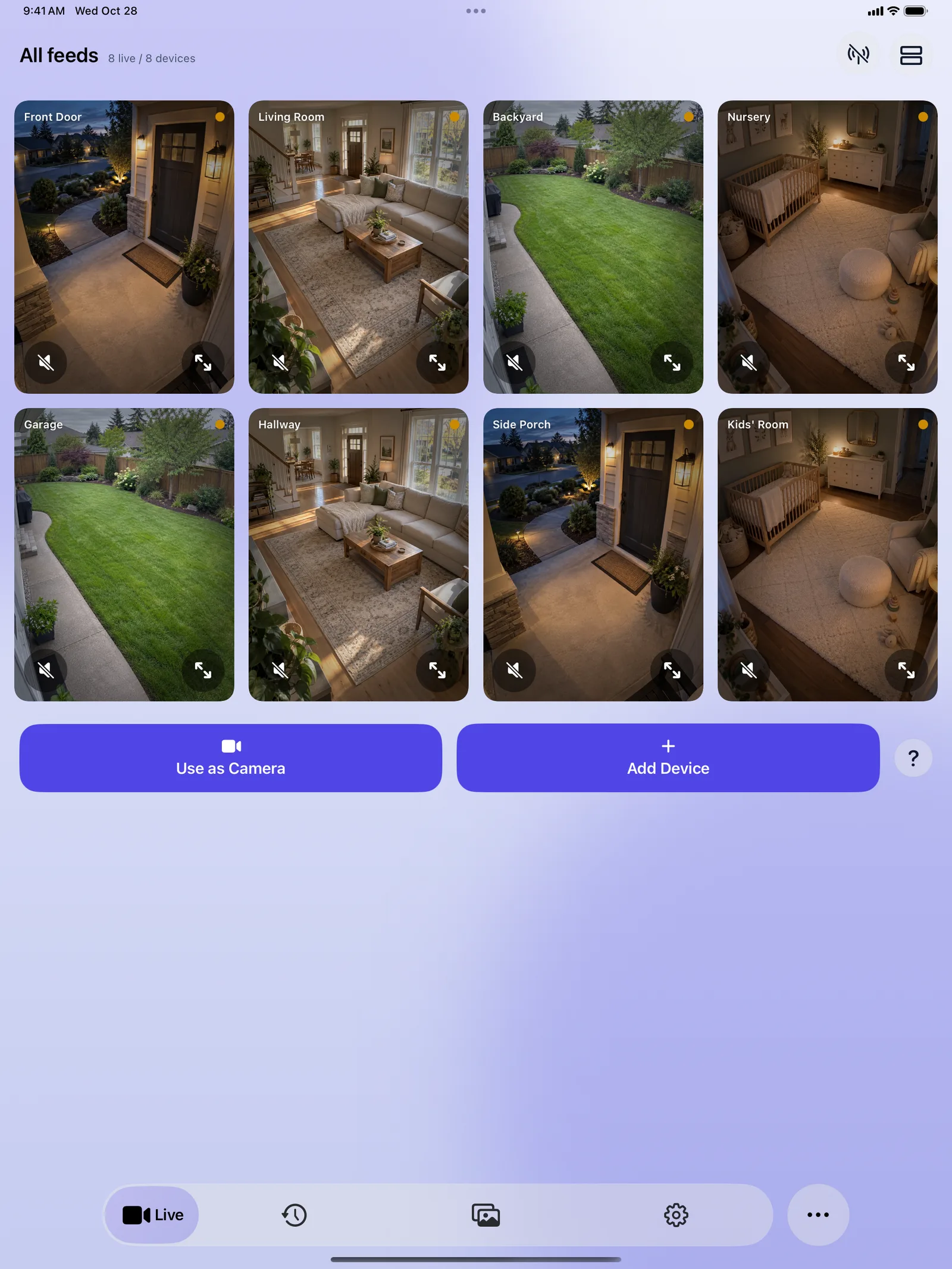
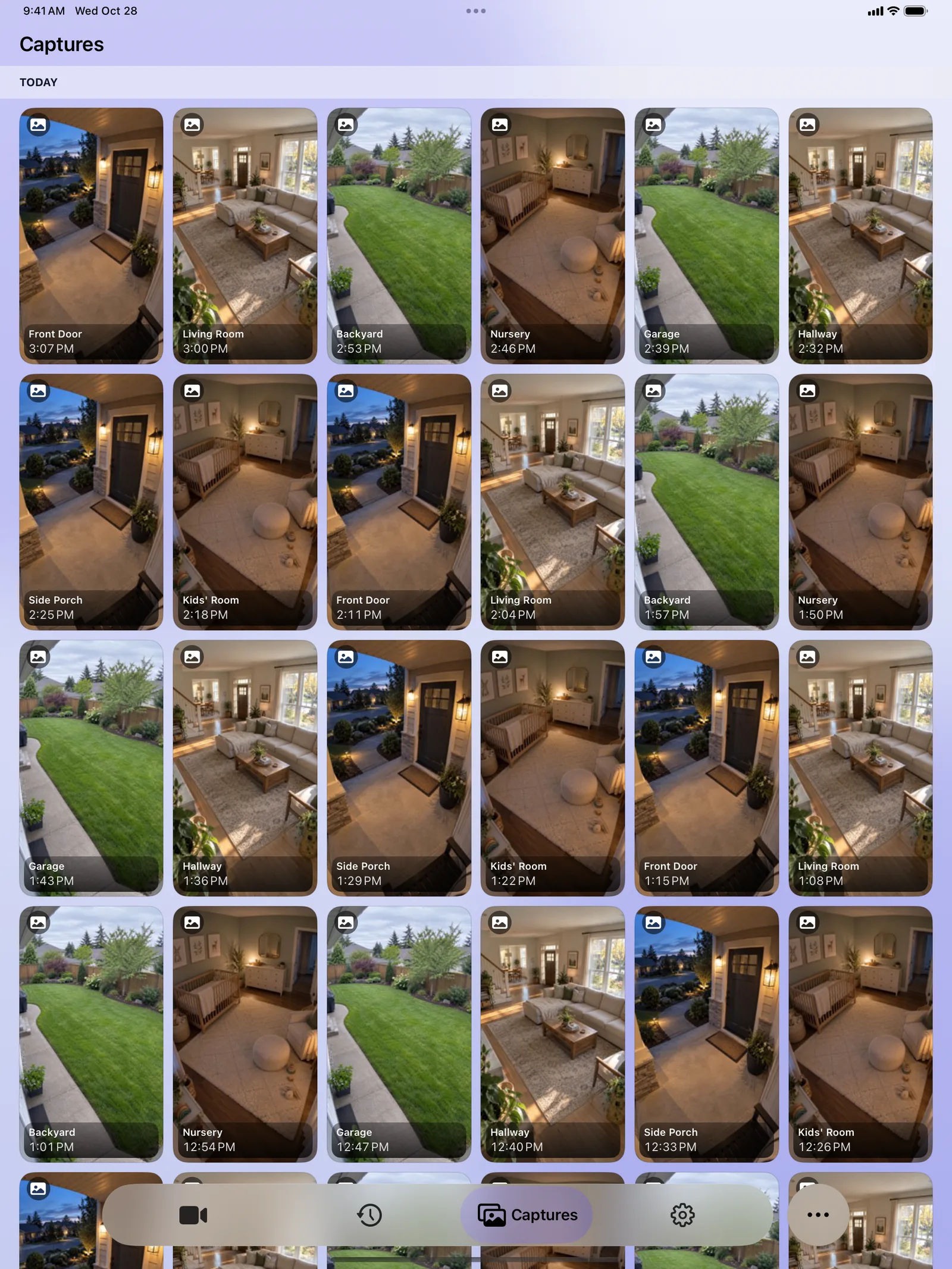
Every room on one screen
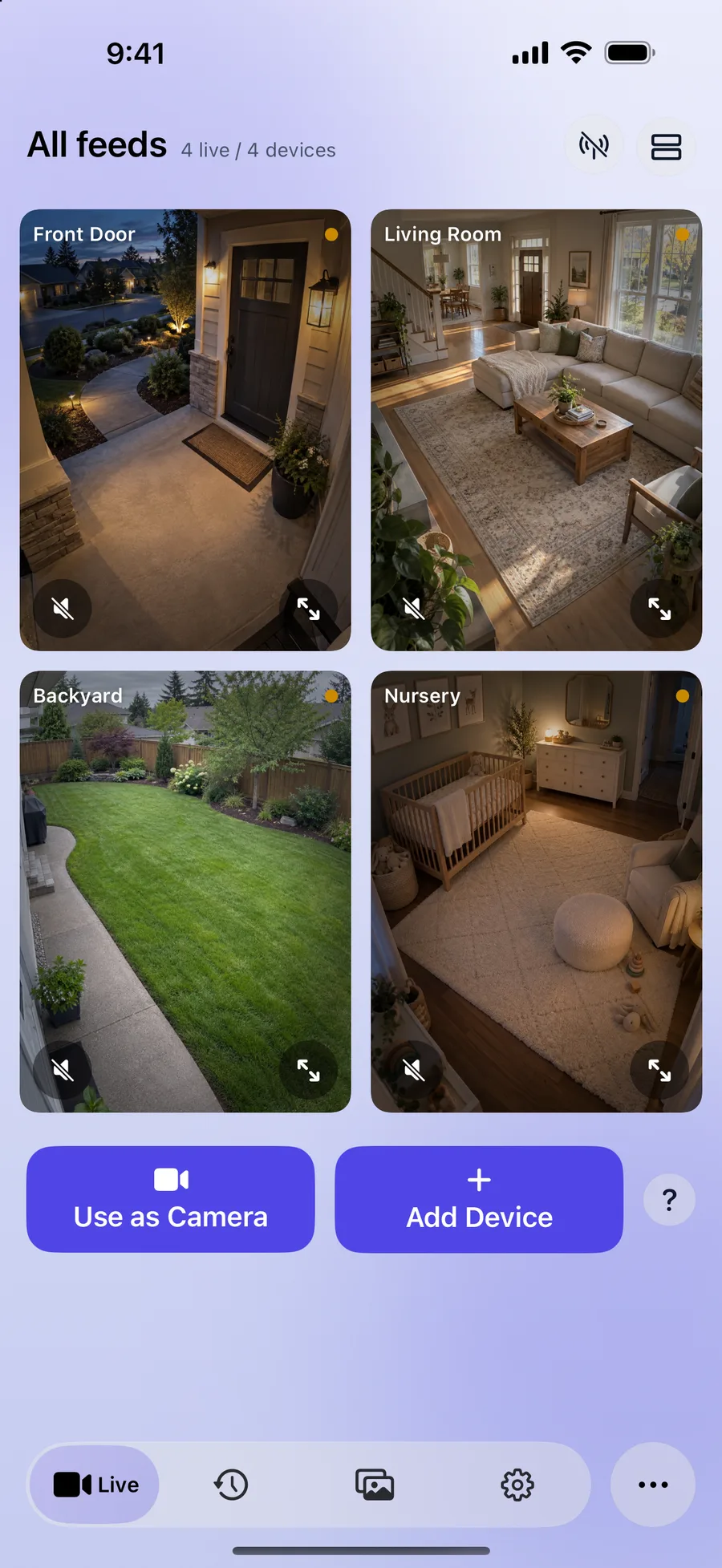
See all your paired cameras together in a live grid, or one feed per row.
AI smart detection
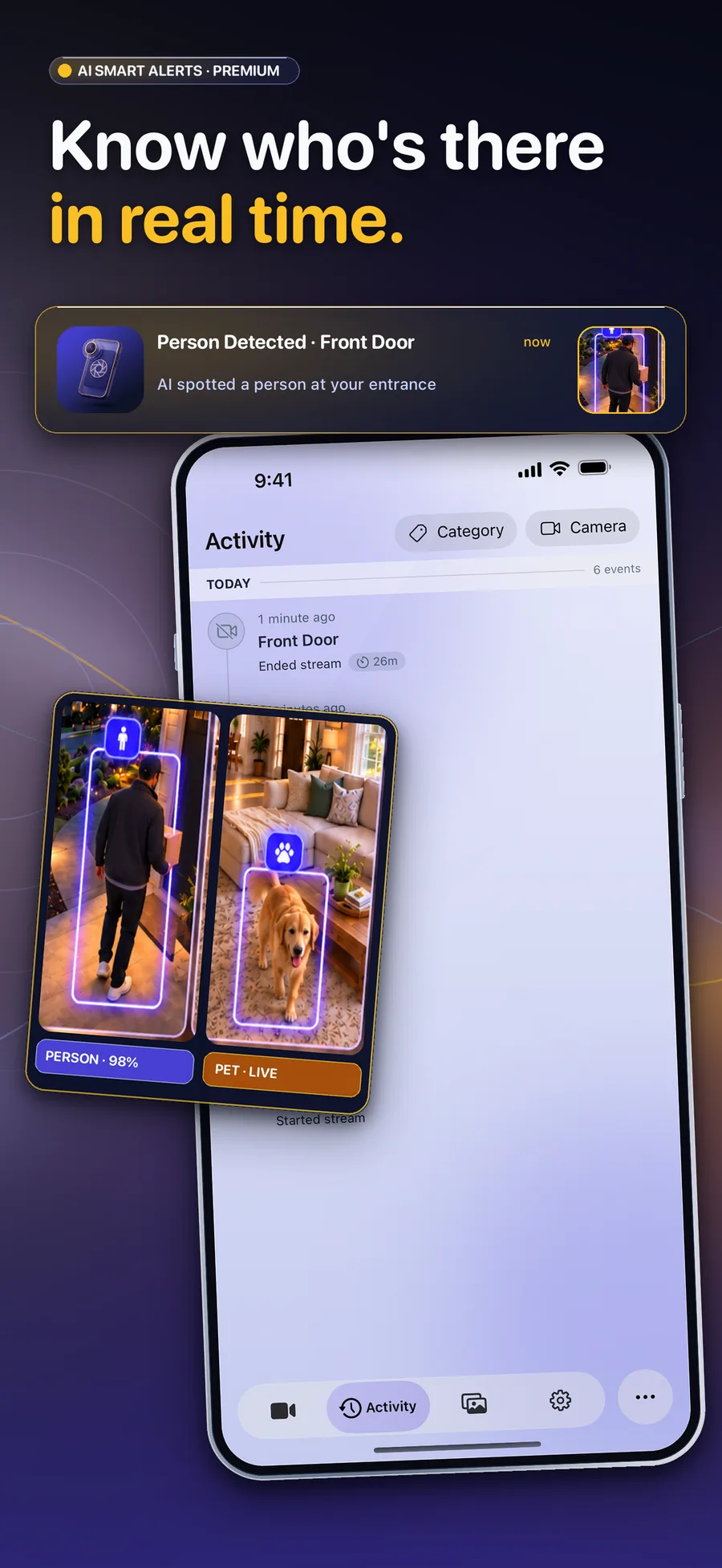
Premium spots people, pets, vehicles and unexpected sound, and alerts you with a snapshot. You choose what alerts you.
Talk back
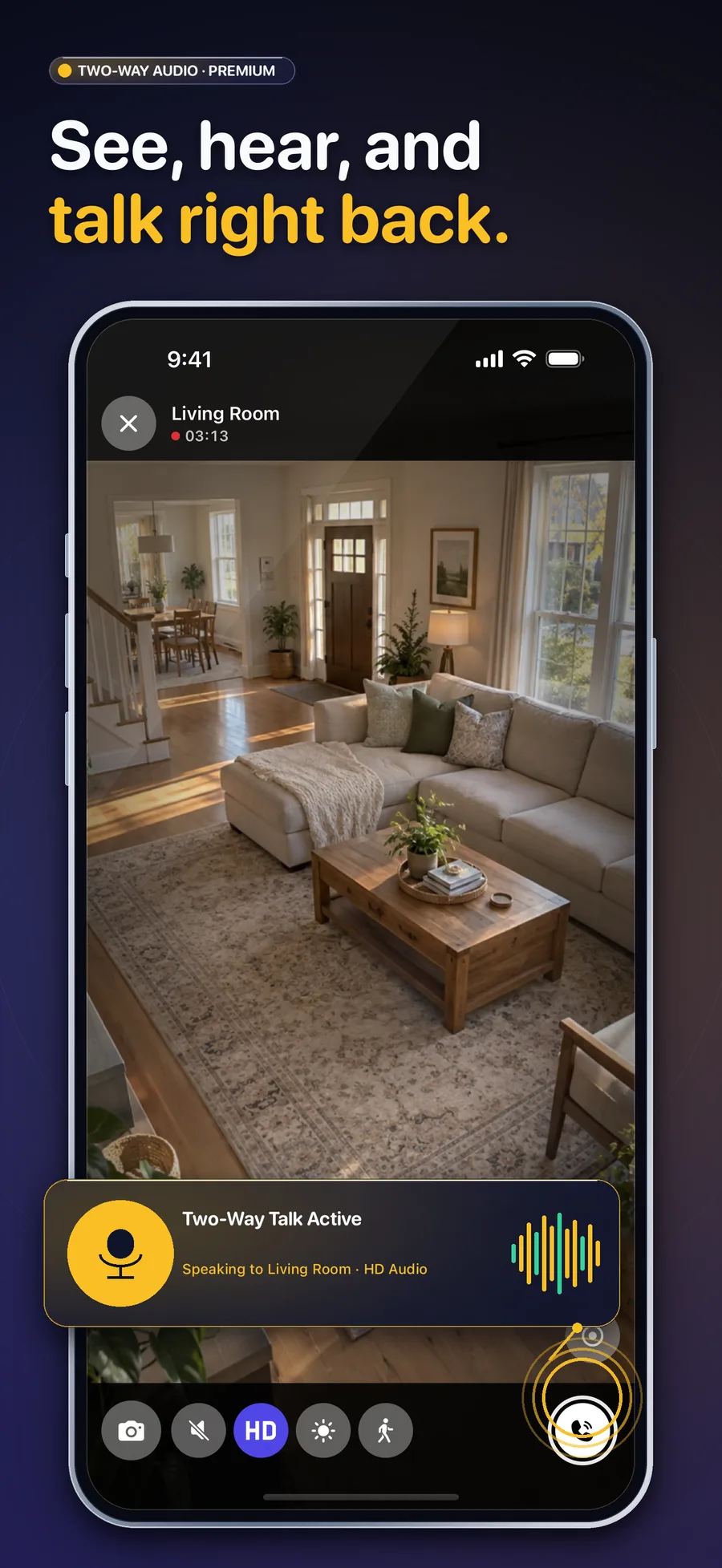
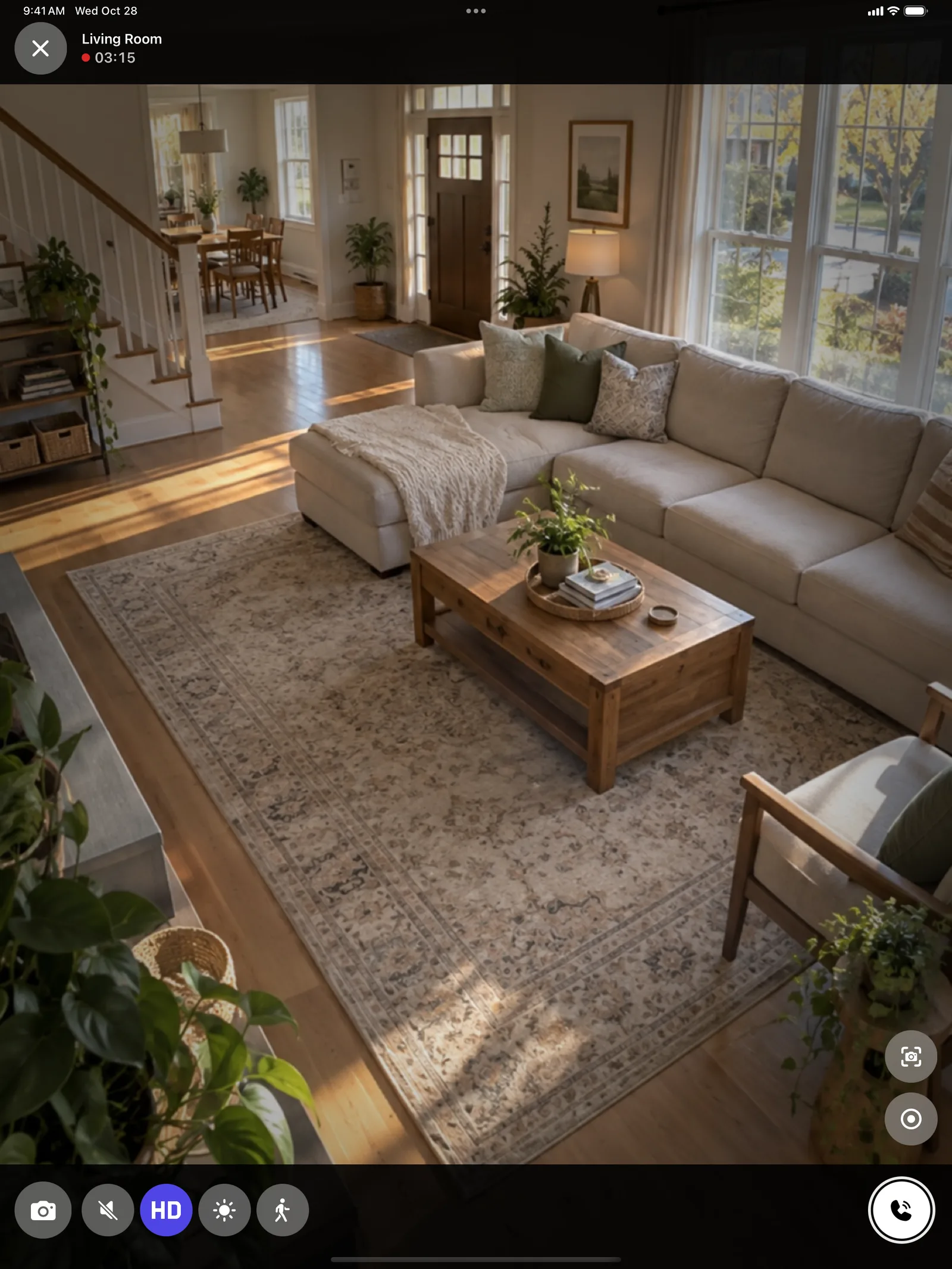
Premium lets you speak through any camera and hear the room in real time.
30-day clip history
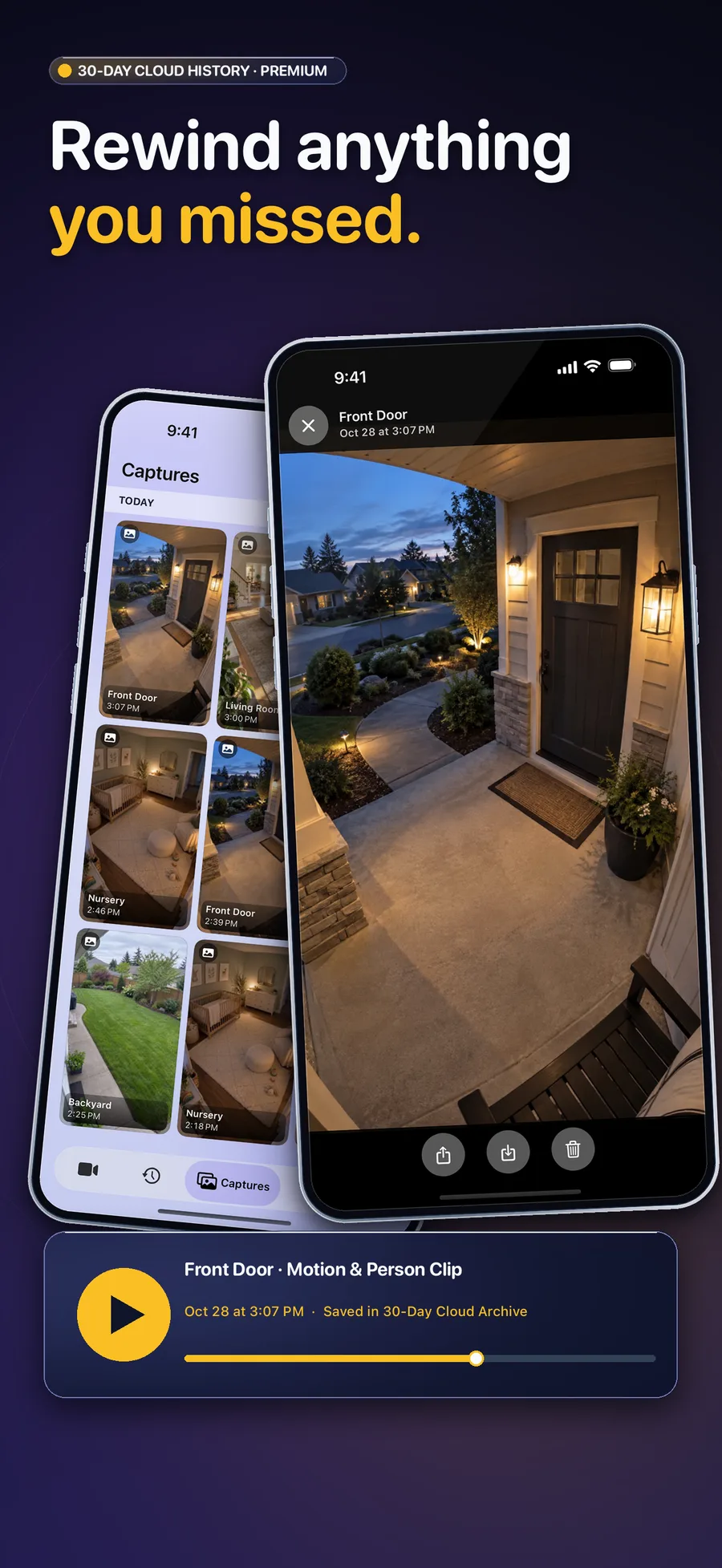
With Premium, alert clips are kept for 30 days in the Activity tab, filterable by camera or category.
Snapshots and recordings
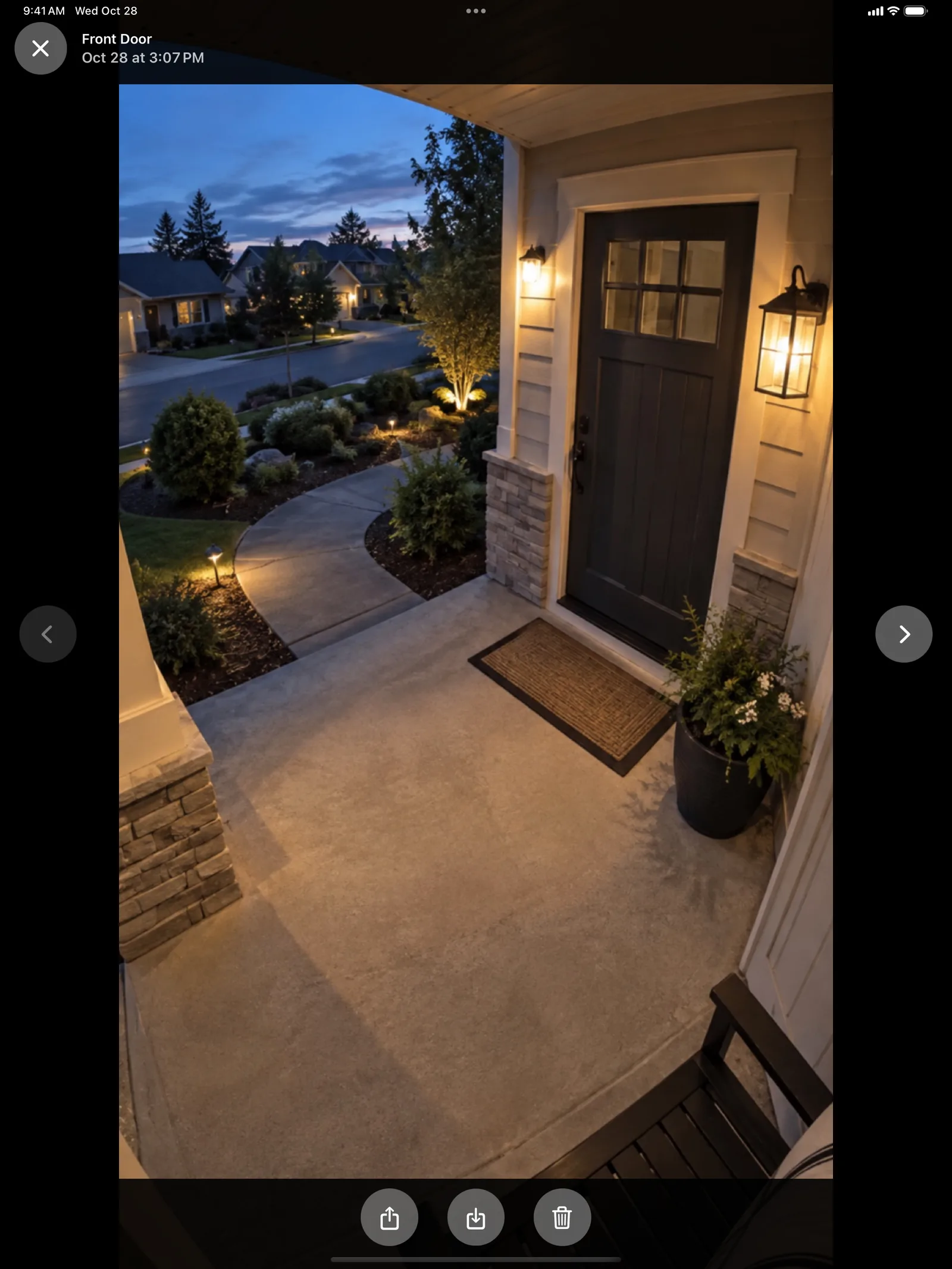
Take a snapshot or record a clip while you watch, then save it to Photos or share it.
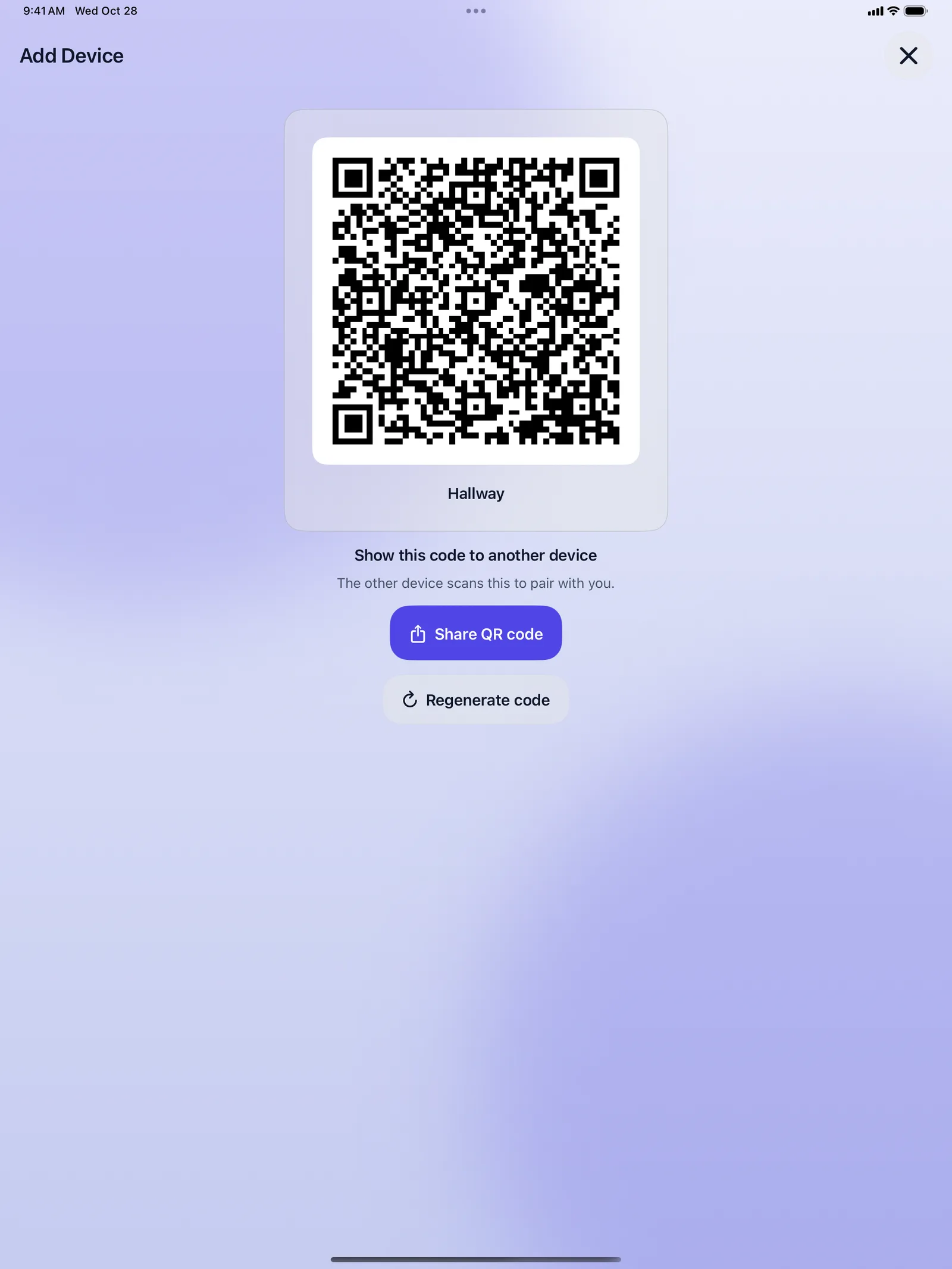
QR pairing, no account
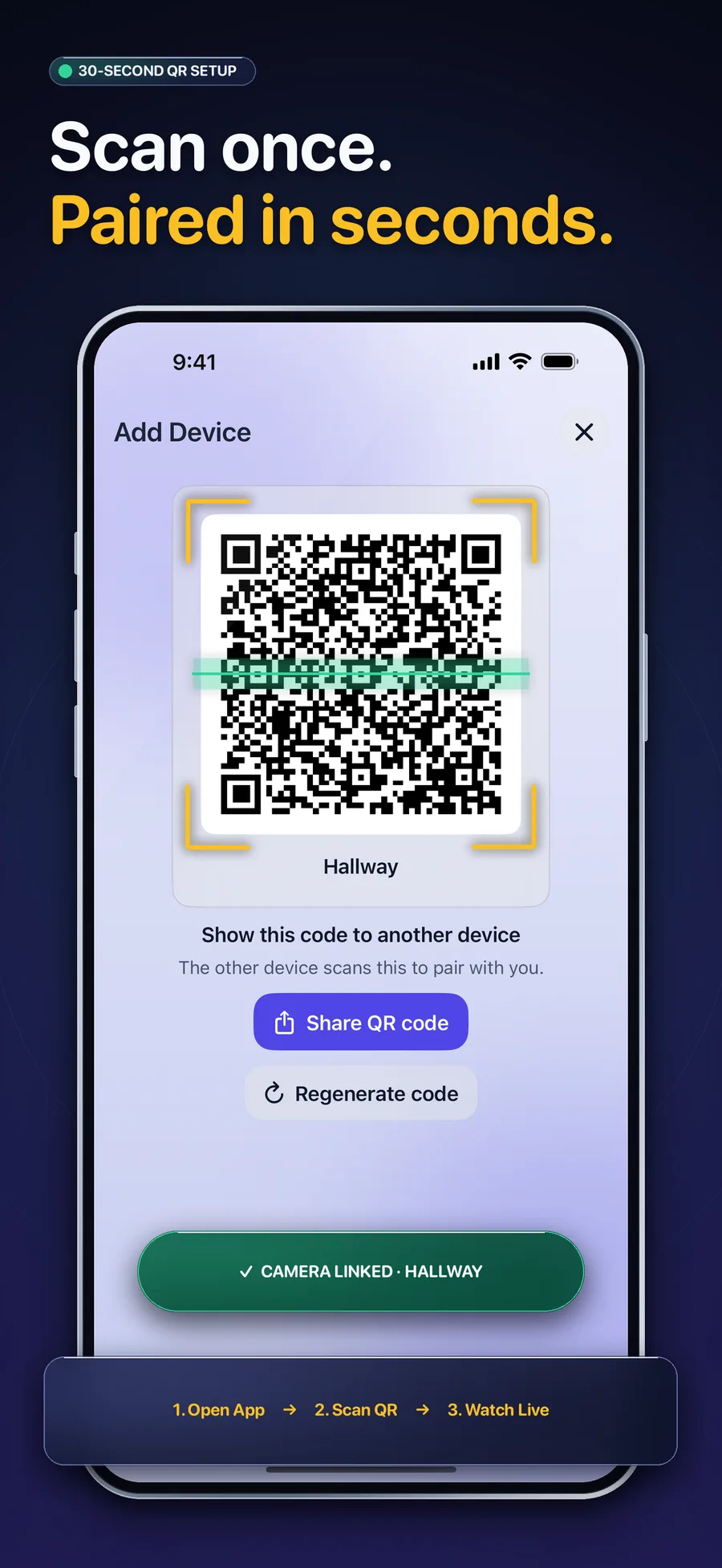
Show a QR code on one device and scan it with the other. Paired in seconds, no sign-in.
Made for Mac too
Use a Mac as a camera or a viewer, alongside your iPhone and iPad.
Screenshots
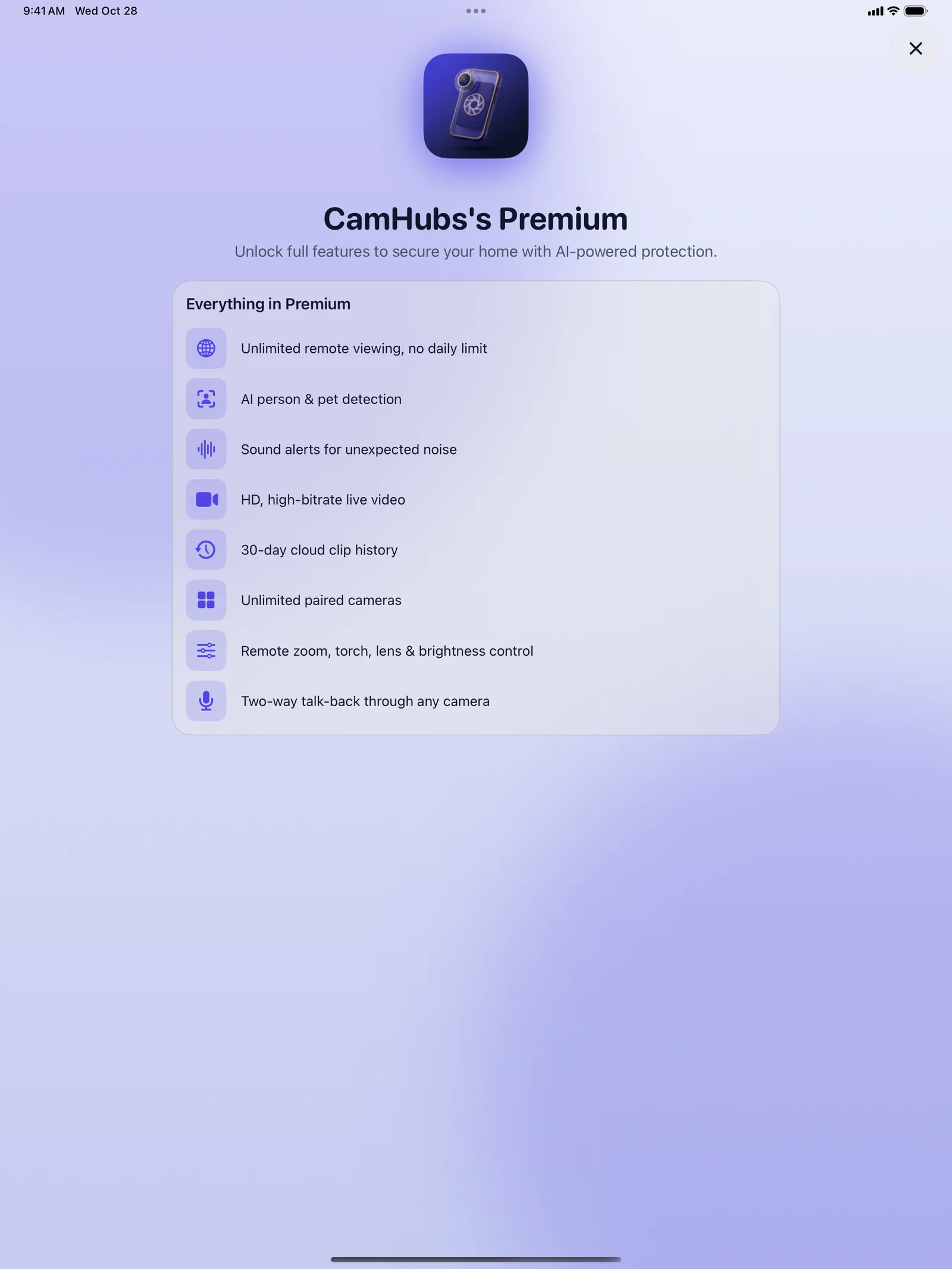
On iPad
Free or Premium
Free
$0
- Up to 2 paired cameras
- Live view in standard quality
- Snapshots and clips while you watch
- Limited remote viewing each day
Premium
$4.99/month or $29.99/year
- AI person, pet and vehicle detection, plus sound alerts
- Alerts with a snapshot and 30-day clip history
- Two-way talk-back
- HD video and remote zoom, torch, lens and brightness
- Unlimited cameras and remote viewing
Frequently asked questions
Do I need an account?
No. Devices pair by scanning a QR code. There's no sign-up and no sign-in.
How many devices do I need?
Two: one to use as the camera and one to watch from. The free plan pairs up to 2 cameras, and Premium removes the limit.
Does it work without internet?
No. Both the camera and the watching device need an internet connection. On the free plan, watching from away from home has a daily time limit. Premium makes it unlimited.
Can the camera run in the background?
Keep CamHubs open on the camera device. It pauses if the app goes to the background. Keep it plugged in, as streaming uses a lot of battery. The screen dims to stay cool but keeps streaming.
Is there a free trial?
There's no trial, but the free plan has no time limit. Premium is billed when you subscribe, and you can cancel any time in your Apple ID subscriptions.
How do I restore my purchase?
Open the Premium screen in CamHubs and tap Restore Purchases, using the same Apple ID you subscribed with.
CamHubs
Lifestyle · Version 1.0.2 · Requires iOS 15.0+ · iPadOS 15.0+